
Clear access to information
Accessibility Statement
KY Fencing Works aims to make its public service information and estimate request workflow understandable and usable across common devices, browsers, input methods, and assistive technologies.
The site uses consistent headings, direct links, visible focus states, text alternatives for editorial images, labeled form controls, readable spacing, and responsive layouts. Accessibility work is ongoing, and useful issue reports are welcome.
Request an estimate
Structure
One main heading and a predictable heading order frame each page.
Navigation
Direct links, breadcrumbs, menus, and visible actions make important routes easier to find.
Forms
Labels, instructions, validation messages, and status regions support request completion.
Feedback
Email the page, device, action, and barrier so the issue can be reproduced.
Design approach
Four accessibility priorities
A lightweight native page system keeps structure and interaction patterns consistent across the site.
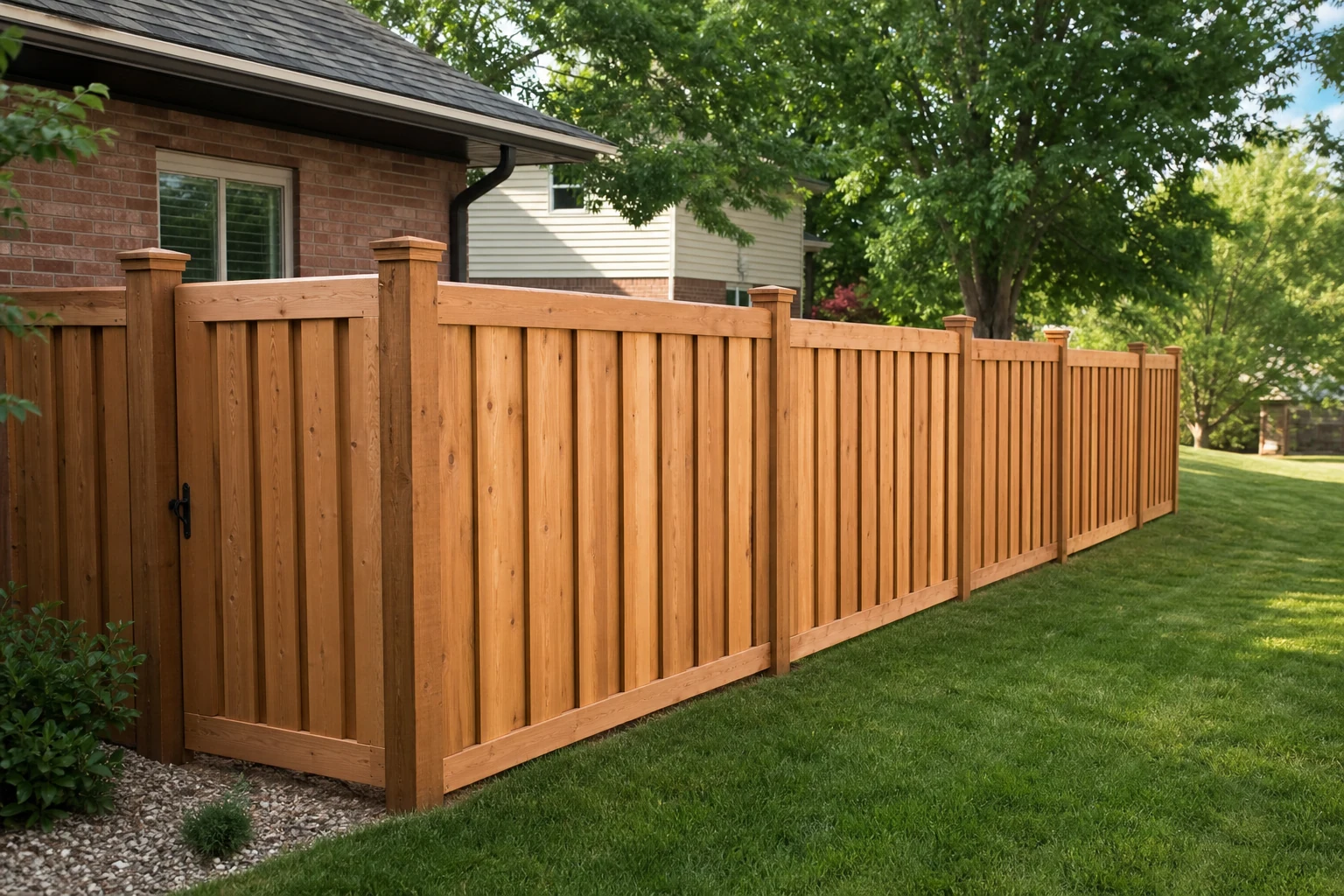
Readable structure
Headings, short paragraphs, lists, cards, and balanced columns create a predictable reading order and reduce overloaded content areas.
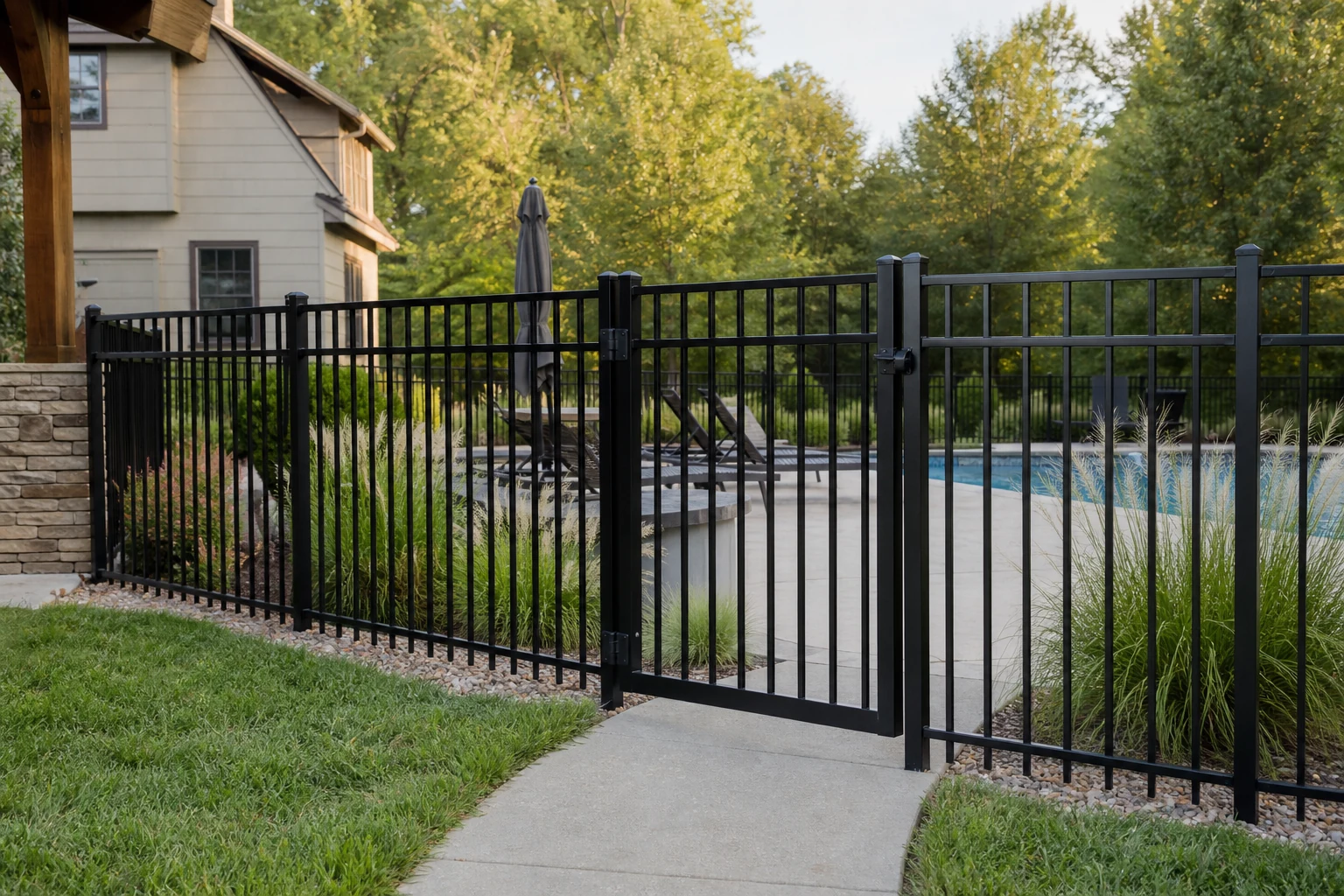
Keyboard operation
Navigation, links, buttons, details, and form controls are intended to remain reachable and understandable without a pointing device.
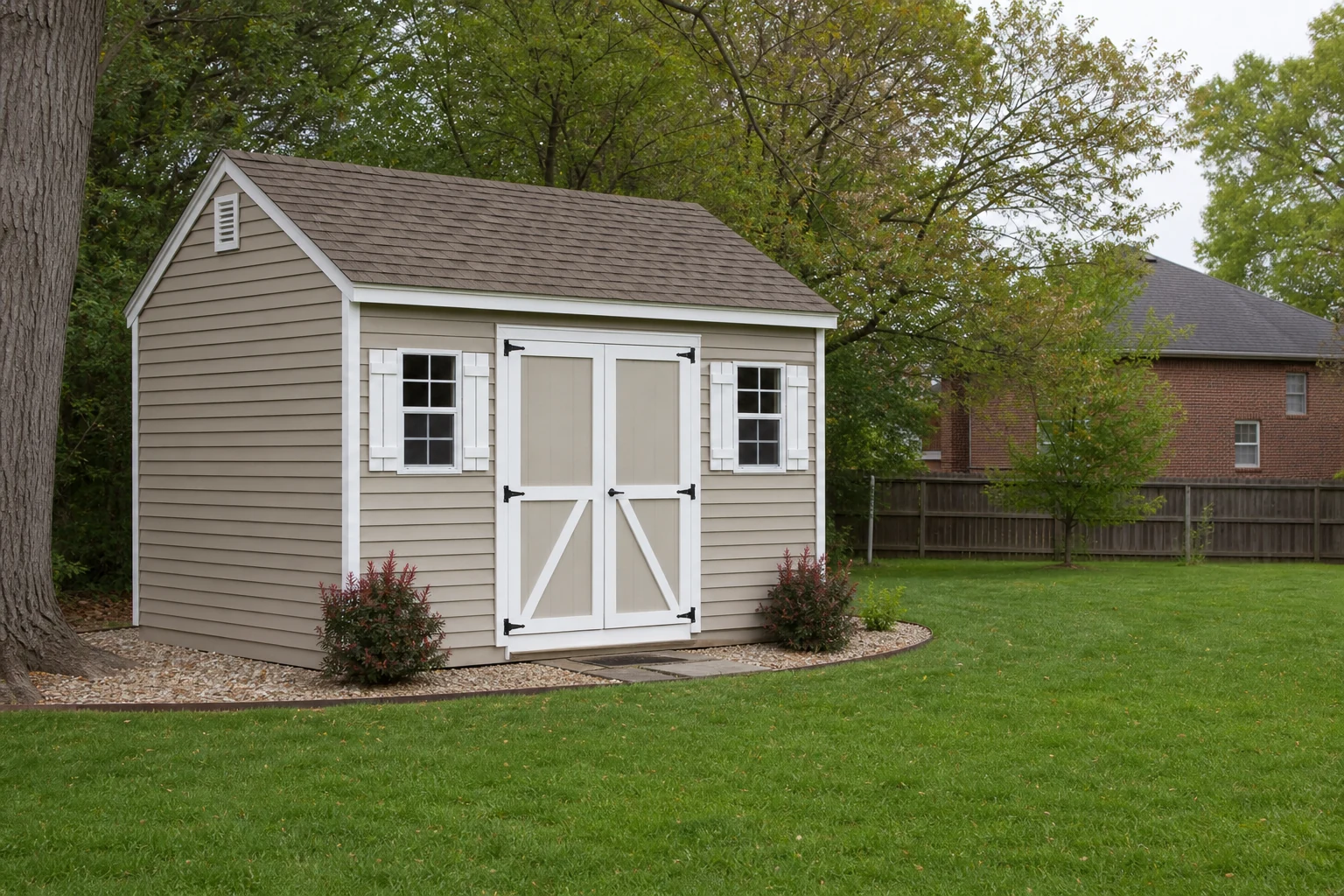
Visual clarity
Text contrast, focus indicators, responsive type, generous spacing, and layouts that collapse cleanly support different screens and zoom levels.
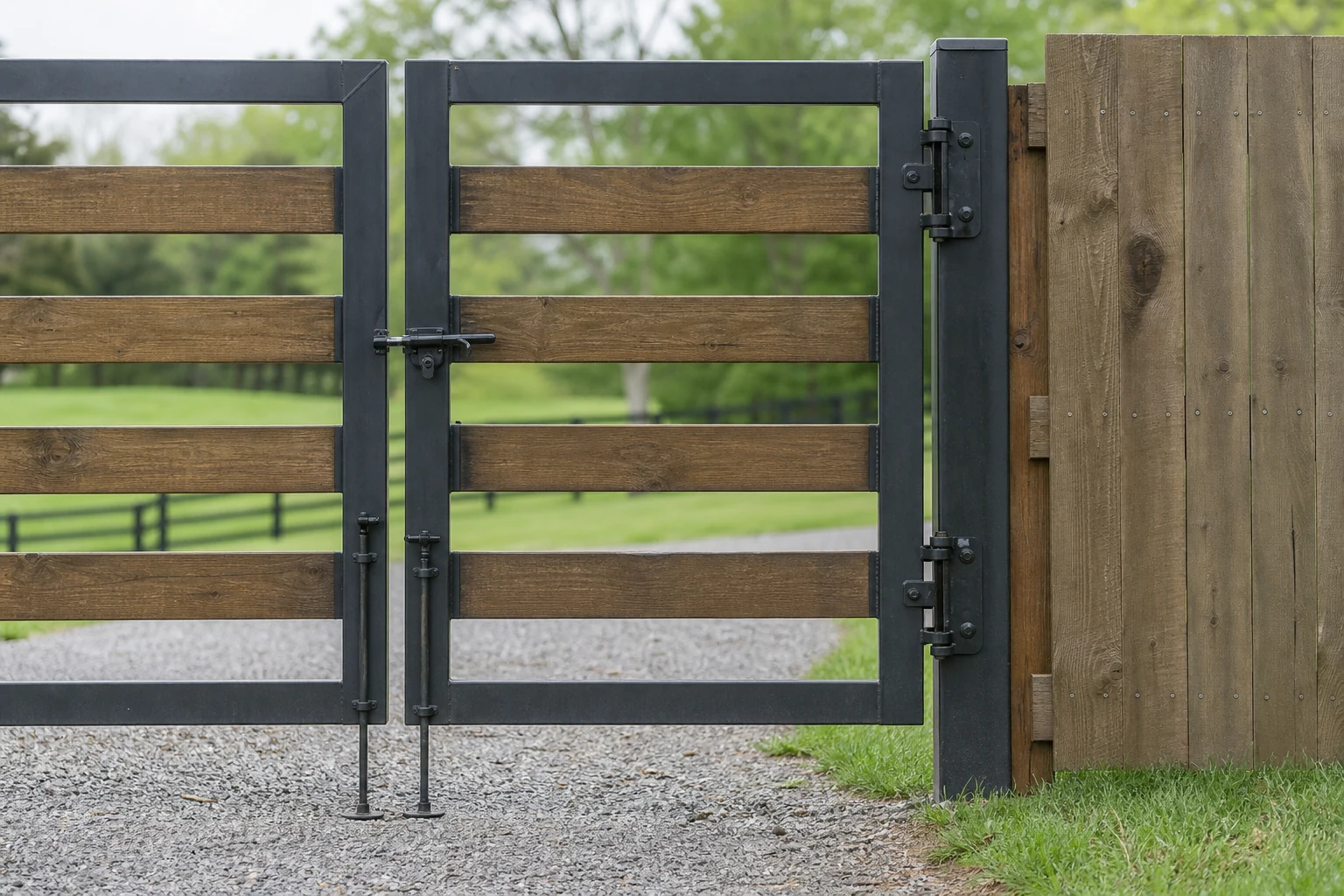
Meaningful media
Service imagery uses descriptive alternative text and responsive sizing so the subject remains understandable across devices.
When something is difficult
A practical alternate path and a useful issue report
A short, specific report makes an access problem easier to reproduce and correct.
If a page or form blocks access, email the project information or the website issue directly. Do not include sensitive information that is unrelated to the request.
Ways to request help
- Name the page or copy its public URL
- Describe the information or action you were trying to reach
- Ask for the content or request path in a usable alternative format
- Send the note to ky.fencingworks@gmail.com
Include only the technical context you are comfortable sharing. A precise description of the step and the result is more useful than a general statement that the page failed.
Details that help reproduce a barrier
- Device type and browser, if known
- Keyboard, screen reader, zoom, voice, touch, or other method in use
- Control, field, heading, link, error, contrast, or reading-order problem
- Expected result and what happened instead

Accessibility feedback
Describe the barrier and the task it prevented.
Issue reports are most useful when they identify the exact page, control, or content and explain what was needed. A direct email can also provide an alternate project-contact path.
Request a KY Fencing Works estimate
Share the property location, the work you need, useful dimensions, access notes, and any helpful photos.